
Does iPad need antivirus software? No, an iPad does not need traditional antivirus software. iPadOS is built with a secure, sandboxed architecture and a strict App Store review process that makes classic viruses almost impossible to catch, so a background virus scanner simply isn’t necessary. But that doesn’t mean your iPad is risk-free. This guide breaks down exactly what protects your iPad, what it doesn’t protect you from, and what you should actually be doing to stay safe.
Key Takeaways
- No, iPads don’t need traditional antivirus software, iPadOS’s sandboxing architecture makes background virus scanners technically unnecessary.
- Every app on the App Store goes through Apple’s strict review process before it reaches your device.
- The real risks to iPad users are phishing scams, malicious links, fake “security” pop-ups, and unsecured public Wi-Fi, not classic viruses.
- Jailbreaking your iPad removes these built-in protections and significantly increases your risk.
- Staying secure comes down to updates, caution, and good habits, not installing a scanner app.
What Is Antivirus Software and Why Is It Used?
Antivirus software is a program designed to detect, block, and remove malicious code, viruses, worms, trojans, spyware, and ransomware, from a device. On traditional operating systems like Windows, antivirus tools work because those systems allow programs broad access to the file system and to each other. A single infected file, email attachment, or download can spread across the whole device and even onto a network.
Antivirus software is used to:
- Scan files and downloads for known malware signatures
- Monitor system behavior for suspicious activity
- Block malicious websites and downloads in real time
- Quarantine or remove infected files
This model works well on Windows and, to a lesser extent, Android, both of which allow apps to run with more system-level access and permit installation from outside official app stores. iPadOS, however, is built on a fundamentally different and much more restrictive model, which is where things change.
Does iPad Need Antivirus Software?
No, an iPad does not need traditional antivirus software. iPadOS is built with a secure architecture called sandboxing, which isolates every app into its own secure space. This means apps cannot scan, touch, or infect other apps or system files, making traditional background virus scanners technically impossible and unnecessary on iPad.
Add to that Apple’s closed ecosystem, apps can only be installed from the App Store (outside of enterprise/business exceptions and sideloading rules introduced in certain regions), and you get a device that’s structurally very hard for a classic virus to infect and spread on. Can an iPad get a virus from downloading an app? Only in theory, every app is reviewed before publishing and then sandboxed after install, so a malicious app can’t spread beyond itself even if one somehow slips through.
Is an iPad safe without antivirus software? Yes, for the vast majority of everyday use, iPadOS’s built-in protections are enough on their own.
That doesn’t mean your iPad is invincible. It means the threats you face are different from the ones antivirus software was designed to fight.
Why iPads Are Safe by Design
1. Sandboxing: Every App Lives in Its Own Bubble
Each app on your iPad runs in an isolated “sandbox.” It can’t read another app’s data, can’t modify system files, and can’t silently install or execute other software. Even if one app were somehow compromised, it physically cannot spread to the rest of your device.
2. Strict App Store Review
Before any app reaches the App Store, Apple checks it for malicious code, suspicious permissions, and policy violations. This human-and-automated review process filters out the vast majority of malware before it ever gets a chance to reach your device.
3. No Traditional Executables
Unlike Windows, iPadOS doesn’t let you download and run standalone executable files (.exe-style programs) from the web. This closes off the single most common way malware spreads on desktop computers.
4. Regular, Mandatory Security Updates
Apple continuously releases iPadOS updates that patch newly discovered vulnerabilities, often within days of a threat being identified. Because adoption of these updates is high, exploits tend to have a very short shelf life.
5. Hardware-Backed Security
Features like the Secure Enclave, encrypted storage, and biometric authentication (Face ID/Touch ID) add layers of protection that software-only antivirus tools can’t replicate.
Do iPads Have Built-in Virus Protection?
Yes, but it doesn’t look like a traditional antivirus app. iPadOS’s built-in protection is baked into the operating system itself rather than running as a separate scanning tool:
- Gatekeeping at the App Store level instead of scanning after installation
- System Integrity Protection, which prevents unauthorized changes to core OS files
- Automatic security patches delivered through Settings > General > Software Update
- Privacy permission prompts that stop apps from accessing your camera, microphone, or location without explicit consent
- Safari’s built-in Fraudulent Website Warning, which flags known phishing and malware sites before you load them
Is an Antivirus App for iPad Actually Useful?
Since traditional virus scanning isn’t possible on iPadOS, “antivirus” apps on the App Store (from brands like Norton, McAfee, Avast, or AVG) don’t function like their desktop counterparts. Instead, they typically bundle:
- A VPN for encrypting your traffic on public Wi-Fi
- Anti-phishing / web protection that blocks known malicious links
- Wi-Fi network scanning to flag unsecured or spoofed hotspots
- Data breach monitoring that alerts you if your email or passwords appear in a leak
- Password managers
These can genuinely be useful, just understand you’re paying for a security suite, not a virus scanner. Free, built-in alternatives (Safari’s fraud warnings, iCloud Keychain, and a reputable free VPN) cover a lot of the same ground for most everyday users.
Does Apple Recommend Antivirus Software?
No. Apple has never officially recommended installing antivirus software on iPhone or iPad, its position is that iPadOS/iOS’s built-in sandboxing, encryption, and App Store review already provide the protection most users need. So does iOS need antivirus? Not in the traditional sense; Apple’s own security model is designed to make one unnecessary.
Best Free Security Options for iPad (No Paid Antivirus Needed)
You don’t need to pay for a security app to cover the basics. Free options that cover most of what a paid “antivirus” would offer include:
- Built-in Safari fraud warnings, free, on by default, blocks known phishing/scam sites
- iCloud Keychain, free password manager with breach-alert warnings
- A reputable free VPN tier (e.g., from Proton or your existing security suite) for public Wi-Fi
- Find My iPad, free device tracking and remote wipe
- Free tier of Norton, McAfee, or Avast Mobile Security, mainly useful for their Wi-Fi scanning and anti-phishing features rather than virus scanning
If you specifically want a named app, Norton 360, McAfee Mobile Security, and Bitdefender Mobile Security are the most commonly recommended for iPad, but again, you’re getting a VPN and anti-phishing suite, not a virus scanner. Do you need Norton or McAfee on your iPad? Only if you want the extra VPN/breach-monitoring layer, neither is required for basic safety.
Can Antivirus Slow Down an iPad?
Third-party security apps on iPad are lightweight compared to desktop antivirus, since they can’t run constant background scans the way Windows antivirus does, iOS simply doesn’t allow that level of system access. So you’re unlikely to notice a performance hit from a reputable security app. Battery drain and slowdowns are far more likely to come from background app refresh, poor Wi-Fi, or an outdated iPadOS version than from any security app.
Real Risks iPad Users Should Actually Watch Out For
Even though classic viruses can’t infect an iPad, you’re not immune to every online threat:
- Phishing scams: Fake emails, texts, or iMessages designed to trick you into giving up passwords, card details, or personal data.
- Unsafe web links: Malicious websites that try to trick you or show annoying adware. Yes, your iPad can pick up adware, scam pop-ups, or a rogue configuration profile from a bad website, even though it can’t catch a traditional virus this way.
- Fake antivirus scams: Pop-ups claiming your iPad is infected and urging you to “download this app now”, these are almost always scams designed to install adware or steal payment info.
- Public Wi-Fi risks: Unsecured networks where a bad actor on the same network can intercept unencrypted traffic.
- Malicious configuration profiles: Files that, if you’re tricked into installing them, can redirect your traffic, change DNS settings, or push unwanted content.
- Calendar and subscription spam: “iPhone/iPad calendar viruses” that flood your calendar app with spam events via a malicious subscription link.
Signs Your iPad Might Be Compromised
While true viruses are rare, watch for:
- Sudden battery drain or overheating without heavy use
- Unusual pop-ups, especially ones claiming infection or demanding payment
- Unrecognized apps or calendar events you didn’t add
- Unexpected redirects when browsing in Safari
- A configuration profile in Settings you don’t remember installing
If you notice any of these, don’t panic, most are fixable in a few minutes (see below).
How to Remove a Virus or Malware from an iPad
- Close and delete suspicious apps you don’t recognize or recently installed before the issue started.
- Check Settings > General > VPN & Device Management and remove any configuration profile you didn’t intentionally install.
- Clear Safari’s history and website data via Settings > Safari > Clear History and Website Data.
- Update iPadOS to the latest version, Settings > General > Software Update.
- Restart your computer after making these changes.
- Restore from a recent backup (via Finder/iTunes or iCloud) if problems persist.
- As a last resort, erase and set up as new, then restore only trusted data.
How to Keep Your iPad Secure
- Update your software promptly, go to Settings > General > Software Update regularly and enable automatic updates.
- Avoid suspicious links in texts, emails, and pop-up windows, never tap “Download Now” on a warning claiming your device is infected.
- Use a trusted VPN on public Wi-Fi to encrypt your browsing data.
- Stick to the App Store and avoid sideloading apps from unofficial sources.
- Use a strong passcode plus Face ID/Touch ID.
- Turn on Find My iPad so you can locate or remotely wipe a lost device.
- Avoid jailbreaking, it strips away sandboxing and App Review protections entirely.
- Review app permissions periodically in Settings > Privacy & Security.
Do Apple Products Need Virus Protection? (Macs and iPhones Too)
The same general logic applies across Apple products, with small differences:
- iPhones: Same iOS architecture as iPad, sandboxing and App Store review apply equally, so the same “no traditional antivirus needed, but stay alert” advice holds.
- Macs: macOS is more open than iPadOS (you can install apps outside the App Store), so Macs are somewhat more exposed and benefit more from a lightweight security suite, especially for users who download software from various sources. Note that most “Mac freezing” or slowdown complaints turn out to be storage, RAM, or background-app issues rather than malware.
Should Businesses Use Antivirus on Company iPads?
For individual, everyday users, built-in protections are typically enough. For businesses managing fleets of iPads, the calculus shifts slightly:
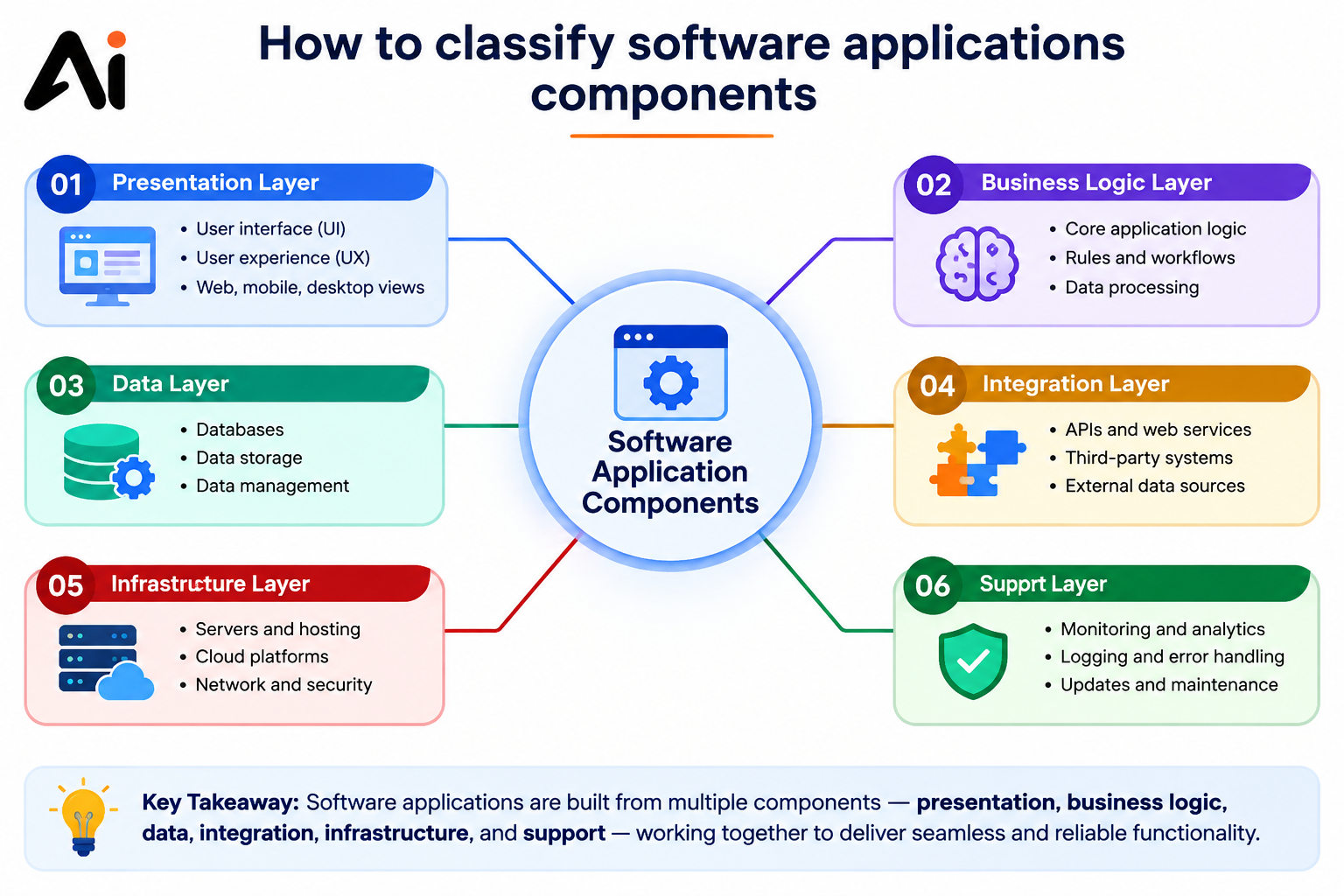
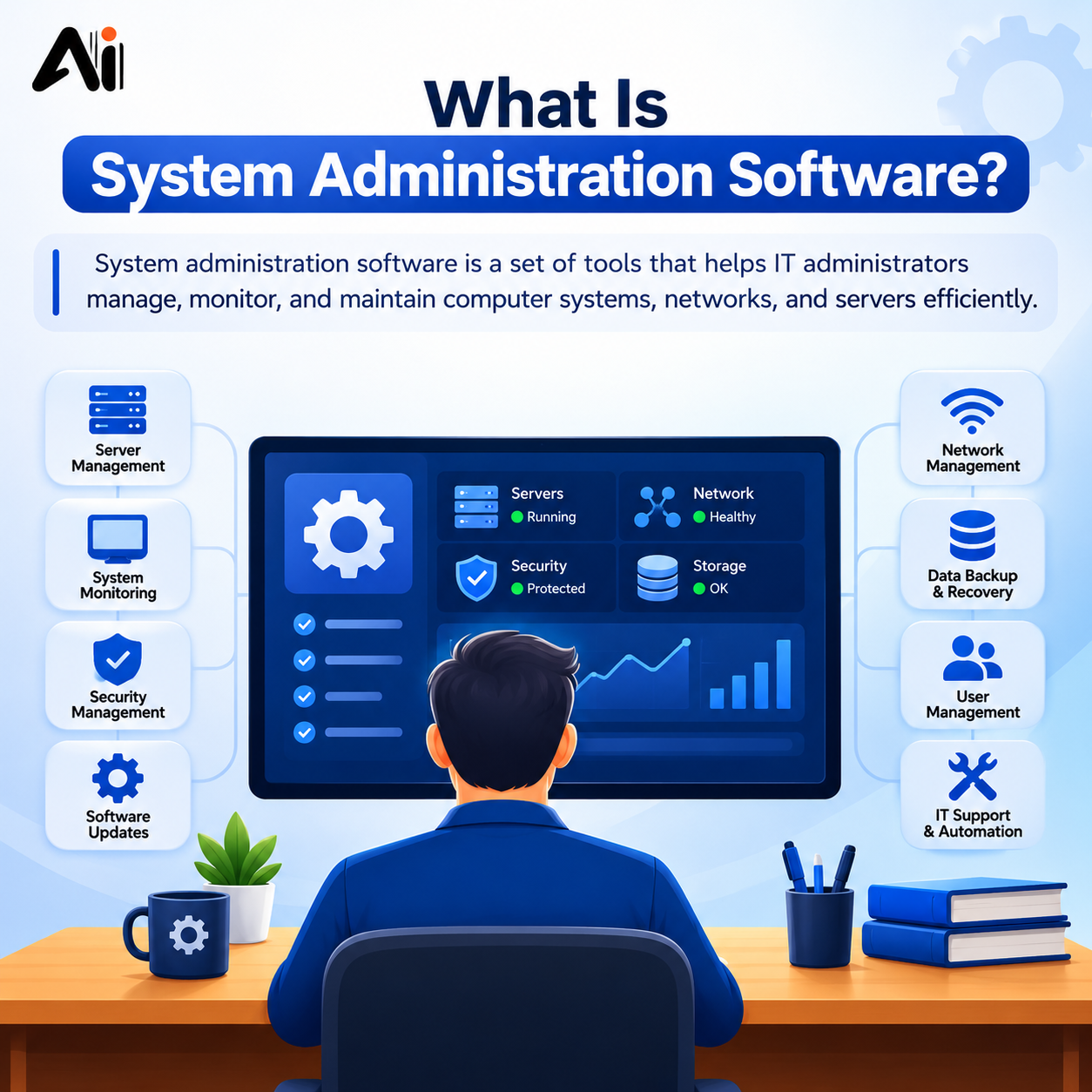
- Mobile Device Management (MDM) is generally far more valuable than antivirus for company-owned iPads, it enforces update compliance, restricts app installs, and can remotely wipe lost devices. This overlaps with broader system administration software that IT teams already use to manage device fleets.
- If your organization manages a mixed fleet of iOS and Android devices, a unified security/MDM platform makes more sense than device-specific antivirus apps.
- Security suites with breach monitoring and VPN features can still add value for employees who frequently use public Wi-Fi.
Conclusion
So, does your iPad need antivirus software? For the vast majority of users, no. iPadOS’s sandboxing, strict App Store review, and frequent security updates already do the heavy lifting that antivirus software handles on other platforms. What actually puts your data at risk isn’t a virus sneaking past a scanner, it’s phishing links, fake security pop-ups, and unsafe Wi-Fi. Keep your software updated, stay skeptical of unsolicited links and “your device is infected” warnings, and you’ll cover almost all of the real risk without ever needing to install a scanner app.
If you’re seeing strange pop-ups or unexpected behavior on your iPad right now, tell me what’s happening and I can help you troubleshoot your specific settings.
Frequently Asked Questions
Is there an antivirus on my iPad?
Not a separate app, iPadOS handles it through sandboxing, App Store review, and automatic updates instead.
Is it easy for an iPad to get a virus?
No, sandboxing and Apple’s closed app ecosystem make a traditional virus infection extremely rare on a non-jailbroken iPad.
How can you tell if your iPad has a virus?
Watch for sudden battery drain, strange pop-ups, unfamiliar apps or calendar events, and unrecognized configuration profiles in Settings.
How do I make sure my iPad is secure?
Keep iPadOS updated, install apps only from the App Store, avoid suspicious links, use Face ID/passcode, and turn on Find My iPad.
Do iPads have built-in security?
Yes, sandboxing, encryption, biometric login, and automatic App Store review all come built into iPadOS by default.
Do I need Norton on my iPad?
No, it’s optional. Norton just adds a VPN and anti-phishing layer on top of iPadOS’s already-solid built-in protection.
Does iOS need antivirus?
No, Apple’s sandboxing and App Review model is built specifically to make traditional antivirus unnecessary on iOS/iPadOS.
Can an iPad get a virus from a website?
Not a traditional virus, but a bad website can still show scam pop-ups, adware, or trick you into installing a malicious profile.
Can iPad get a virus from downloading an app?
Extremely unlikely, every App Store app is reviewed first and then sandboxed, so it can’t spread even if something slips through.