
What if your company could spend less time on repetitive tasks and more time growing the business? With the right automation strategy, companies can simplify daily operations, reduce manual errors, and help their teams work more efficiently without adding unnecessary complexity.
Companies can automate business processes by identifying repetitive tasks, choosing suitable automation software, connecting their existing systems, and setting up workflows that run with minimal manual intervention. Common examples include invoice processing, customer support, email marketing, employee onboarding, data entry, and report generation.
Key Takeaways
- Business process automation helps companies reduce repetitive manual work.
- Workflow automation tools can connect applications and streamline everyday operations.
- AI-powered automation can handle more complex tasks involving text, data, and decision-making support.
- Technology solution for Small businesses can start with affordable tools and simple workflows.
- Successful automation requires clear goals, testing, security, and regular monitoring.
What Is Business Process Automation?
Business process automation (BPA) is the use of technology to perform repetitive business activities with less human intervention. Instead of asking employees to complete every step manually, companies can configure software to carry out specific tasks according to predefined rules.
For example, a business might receive customer orders through its website. Without automation, an employee may need to copy the order details, update a spreadsheet, send a confirmation email, and notify the shipping team. An automated workflow can connect these steps so that one action triggers the next.
Business process automation can be used across departments, including sales, marketing, finance, human resources, customer service, and operations.
It is important to understand that automation does not always mean removing people from a process. In many cases, the goal is to reduce repetitive work so employees can focus on customer relationships, problem-solving, planning, and other activities that require human judgment.
Why Should Companies Automate Their Business Processes?
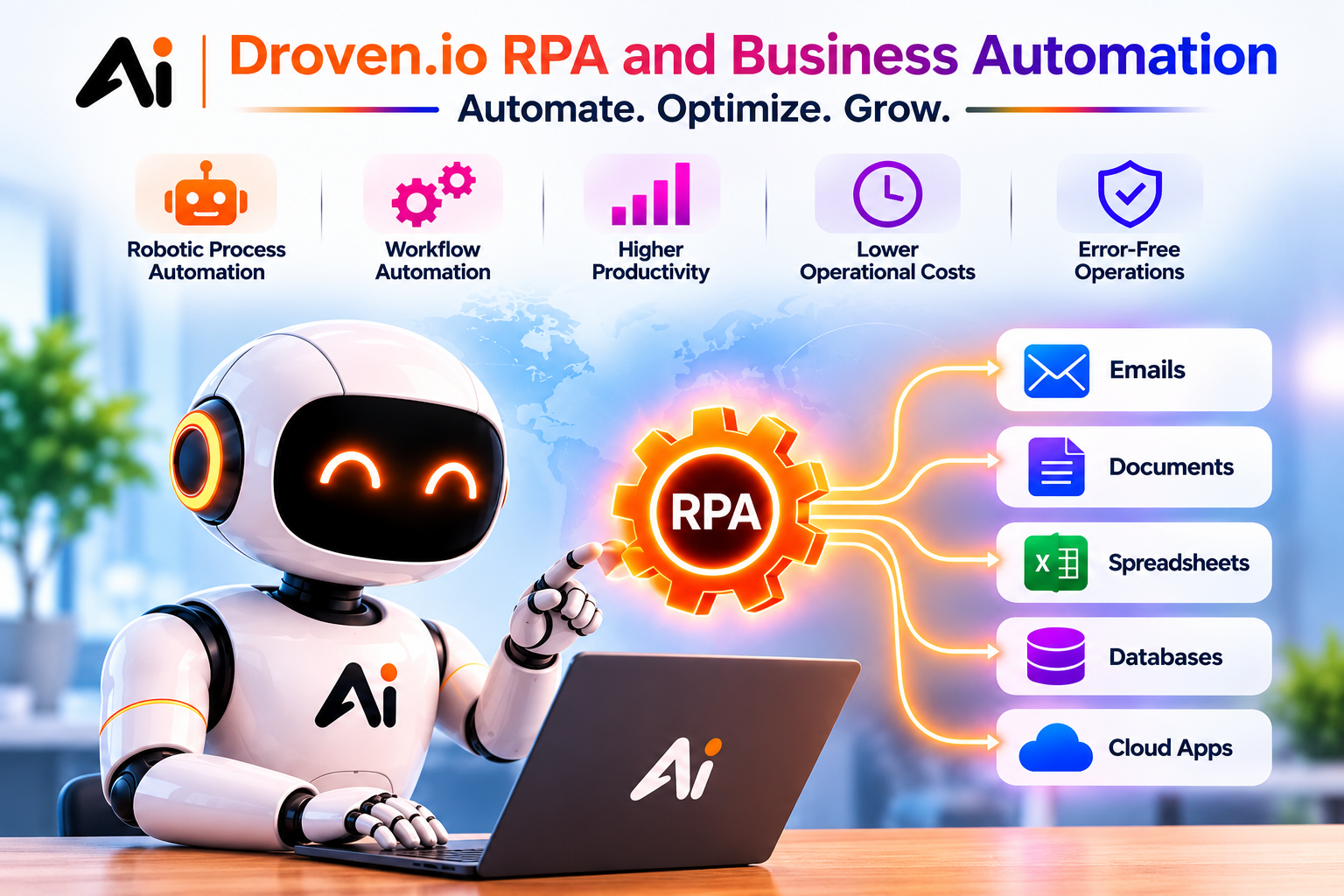
Companies often struggle with repetitive tasks, disconnected software, slow approvals, and inconsistent data. Automation can address these challenges when applied to the right processes. For example, Droven.io RPA and business automation explores how robotic process automation (RPA) and business automation can help streamline workflows and reduce manual effort.
1. Reduce Repetitive Manual Work
Employees frequently spend time copying information between applications, organizing documents, sending reminders, and updating records. These tasks may be necessary, but they do not always require manual handling.
Automated workflows can complete routine steps in the background. For instance, when a customer submits a contact form, the system can add the information to a customer relationship management platform and notify the appropriate sales representative.
This gives employees more time to handle complex requests and build stronger customer relationships.
2. Improve Accuracy and Consistency
Manual processes can lead to missing information, duplicate records, incorrect calculations, and forgotten follow-ups. Automation can reduce these risks by applying consistent rules to recurring tasks.
For example, an invoice workflow can check whether required fields are present before sending a document for approval. If information is missing, the system can flag the invoice for review.
Automation does not eliminate every error. Poorly configured workflows can repeat mistakes at scale, so companies should validate their rules and monitor results.
3. Increase Operational Efficiency
When several employees handle the same process manually, delays can occur between each step. Automated workflows can move information between systems more quickly and notify the next person when action is required.
This can be especially useful for approval requests, customer onboarding, inventory updates, and document management.
4. Support Business Growth
As a company grows, the volume of orders, customer inquiries, invoices, and internal requests usually increases. A manual process that works for a small team may become difficult to manage at a larger scale.
Automation helps companies handle recurring activities more consistently without increasing manual workload at the same rate. However, businesses still need enough staff, system capacity, and oversight to manage exceptions and complex cases.
Which Business Processes Can Companies Automate?
Not every activity needs automation. Companies should focus first on processes that happen frequently, follow predictable rules, and consume significant employee time.
The following examples show where automation can make a practical difference.
Customer Support Automation
Customer service teams often receive repeated questions about order status, account access, product features, and service policies.
Companies can use chatbots, automated ticket routing, and response templates to handle routine requests. More advanced AI systems can summarize customer messages, suggest responses, and direct complex issues to the appropriate team.
Human support remains important when a problem requires empathy, detailed investigation, or an exception to company policy.
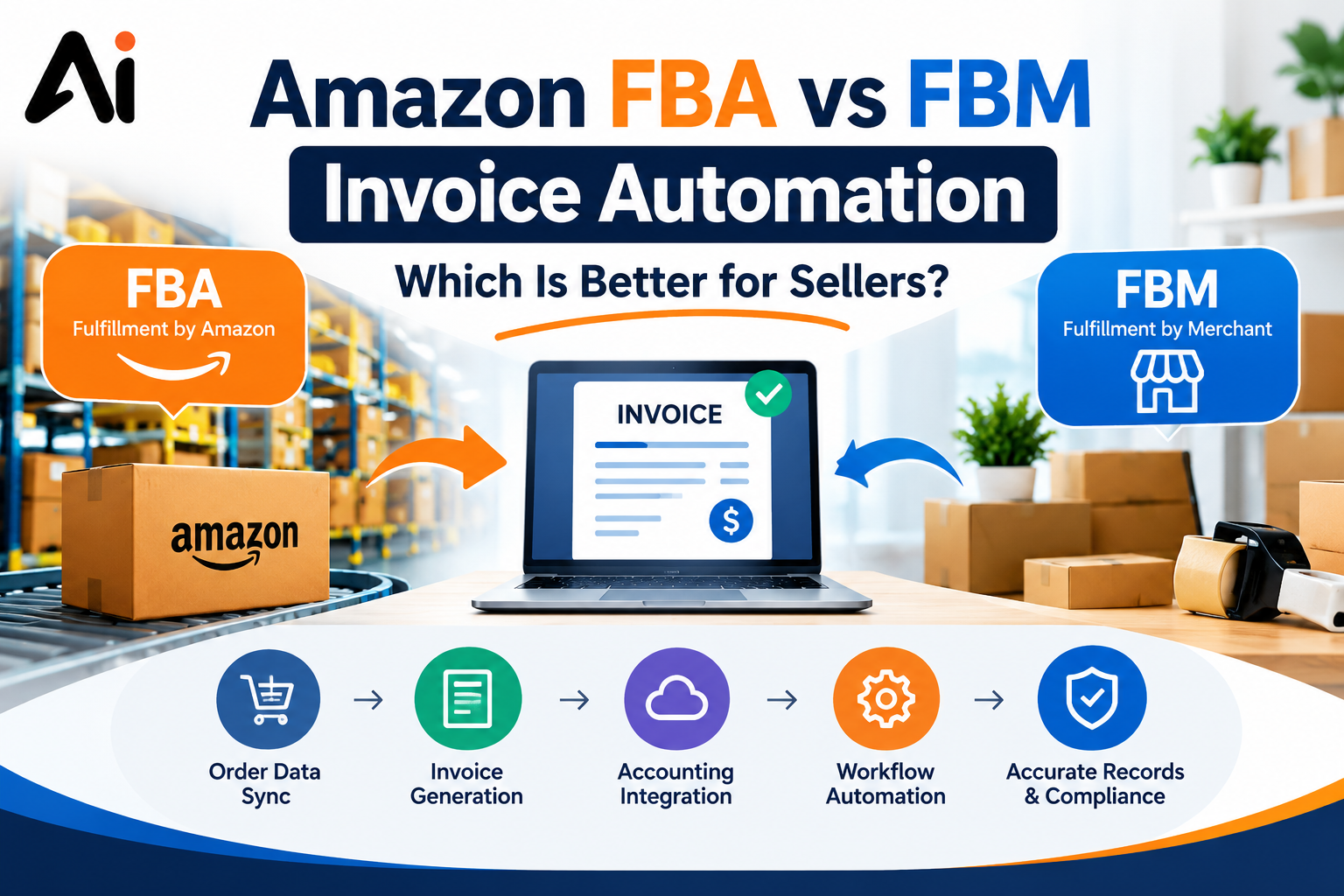
Invoice and Financial Workflow Automation
Finance departments often process invoices, payment reminders, expense reports, and approval requests.
An automated invoice workflow can receive a document, extract relevant details, check required fields, and send it to the appropriate approver. It can also notify staff when an invoice remains pending.
Financial decisions, unusual transactions, and exceptions should still receive appropriate human review.
Email Marketing Automation
Marketing teams can automate welcome emails, lead nurturing, customer follow-ups, and campaign scheduling.
For example, when someone subscribes to a newsletter, an email platform can send a welcome message and schedule relevant follow-up content. The workflow can adapt to customer preferences and engagement, provided the company follows applicable privacy and email marketing requirements.
Human Resources Automation
Human resources teams can automate parts of employee onboarding, leave requests, interview scheduling, and document collection.
When a new employee joins, a workflow can notify HR, assign onboarding tasks, request required documents, and inform the IT department about account setup.
Sensitive employee information must be handled securely, with access limited to authorized staff.
Sales and Customer Relationship Management
Sales teams can use automation to assign leads, update customer records, schedule reminders, and notify representatives about new inquiries.
For example, a website inquiry can automatically create a lead record and assign it to the appropriate salesperson. Follow-up reminders can help the team respond promptly instead of relying on memory.
Best Tools to Automate Business Processes
The right software application depends on the company’s existing systems, budget, technical expertise, security requirements, and workflow complexity.
Here are several tools worth considering.
Zapier
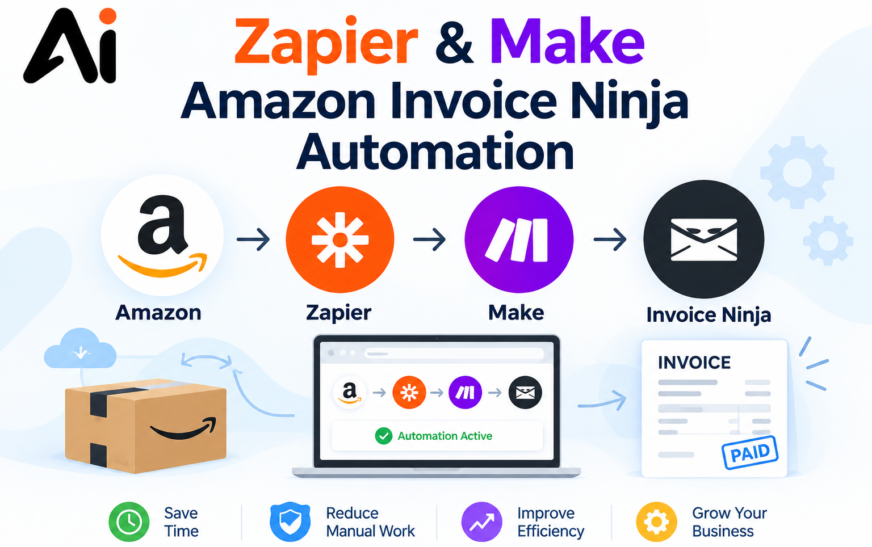
Zapier connects supported applications and creates automated workflows called Zaps. It can help companies transfer information between services, send notifications, and trigger actions when particular events occur.
It is a practical option for teams that want to automate routine tasks without building a custom integration from scratch.
Make
Make provides a visual workflow builder for connecting applications and designing multi-step automations. It can be useful when a company needs branching logic, data transformations, or workflows involving several applications.
Businesses should test complex workflows carefully to avoid unexpected results.
Microsoft Power Automate
Microsoft Power Automate supports workflow automation across Microsoft products and many other connected services. Companies can use it for notifications, approval processes, data synchronization, and certain desktop automation tasks.
Organizations already using Microsoft 365 may find it particularly relevant, depending on their subscriptions and technical requirements.
n8n
n8n is a workflow automation platform that supports visual workflows, integrations, and custom logic. It can suit technical teams that need greater flexibility or want to explore self-hosted deployment options.
Self-hosting can provide more control, but the company becomes responsible for relevant infrastructure, security, updates, and maintenance.
UiPath
UiPath focuses on robotic process automation (RPA) and related automation capabilities. RPA can be useful when employees repeatedly interact with existing desktop or web applications that lack suitable integrations.
Its suitability depends on the complexity of the process, licensing costs, and the company’s automation requirements.
AI Automation vs. Traditional Business Process Automation
Traditional automation and AI-powered automation can complement each other, but they are not the same.
Traditional automation follows defined rules. AI-powered automation can interpret certain types of unstructured information, classify content, summarize documents, and support decisions. The reliability of AI outputs depends on the task, data quality, system design, and safeguards.
For example, a traditional workflow can send an invoice for approval when its amount exceeds a specified threshold. An AI-enabled workflow may also extract information from an invoice that arrives as an image or PDF before passing it to the approval process.
A practical strategy is to combine predictable rules with AI only where it adds value. Companies should use human review for high-impact decisions and situations in which inaccurate results could cause significant harm.
How to Automate a Company’s Business Processes Step by Step
A successful automation project starts with a clear business problem rather than simply choosing a popular tool. For example, companies looking to improve customer support can learn how to automate customer conversations with AI to handle routine inquiries, respond faster, and improve customer service efficiency.
Step 1: Identify Repetitive Tasks
List the activities employees perform regularly. Look for processes that involve repeated data entry, predictable decisions, frequent reminders, or moving information between applications.
Ask employees which tasks take the most time and where delays or mistakes commonly occur.
Step 2: Map the Existing Workflow
Document each stage of the process, including who performs it, what information is required, which applications are involved, and what happens when something goes wrong.
This step helps identify unnecessary approvals, duplicated work, and problems that automation alone cannot fix.
Step 3: Set Clear Goals
Decide what the company wants to improve. Goals might include reducing processing time, lowering data-entry errors, shortening customer response times, or making approvals easier to track.
Record the current performance so you can compare results after implementation.
Step 4: Choose the Right Automation Tool
Compare potential platforms based on integrations, ease of use, pricing, scalability, access controls, and data handling.
A small business may only need a basic no-code workflow. A larger organization might require enterprise integrations, RPA, custom development, or more extensive governance.
Step 5: Build a Small Pilot Workflow
Start with one process that is useful but relatively low-risk. For example, automate internal notifications when a new customer inquiry arrives.
Test normal scenarios, missing information, duplicate entries, application outages, and other exceptions before expanding the workflow.
Step 6: Monitor and Improve
Track whether the automation achieves its intended goal. Review failures, unexpected outputs, employee feedback, and maintenance requirements.
As business needs change, update the workflow and remove automations that no longer provide value.
How Much Does Business Process Automation Cost?
The cost depends on the selected software, number of users, workflow complexity, integration requirements, and ongoing maintenance.
Some tools offer free plans or entry-level subscriptions, while enterprise platforms and custom automation projects can require a much larger investment. Pricing and plan limits change, so companies should verify current details with the software provider.
The total cost may include:
- Software subscriptions and usage fees.
- Setup, integration, and development.
- Employee training and change management.
- Security reviews and ongoing maintenance.
- Monitoring, troubleshooting, and support.
Companies should evaluate the total cost against measurable benefits rather than comparing subscription prices alone.
For example, if a workflow saves several hours each week, the company can estimate the value of that time and compare it with implementation and operating expenses. The calculation should also account for errors, exceptions, and maintenance.
Common Business Process Automation Mistakes
Automation can create new problems when companies implement it without understanding the process.
Automating an Inefficient Process
If a workflow contains unnecessary steps, automating it may simply make an inefficient process run faster. Review and simplify the process before introducing software.
Choosing Too Many Tools
Using several disconnected automation platforms can increase costs and make workflows difficult to maintain. Begin with the tools that integrate well with the company’s existing systems.
Ignoring Security and Privacy
Automated workflows may handle customer details, financial records, or employee information. Companies should apply appropriate permissions, secure credentials, data protection measures, and audit logging.
Failing to Monitor Workflows
An automation may stop working after an application changes its interface, an integration fails, or a usage limit is reached. Set up error notifications and assign responsibility for ongoing monitoring.
Removing Human Oversight Too Early
Some workflows involve unusual cases, sensitive information, or important business decisions. Define when a workflow should stop and request human review rather than automatically processing every situation.
How to Measure the Success of Business Automation
Companies should measure results using metrics related to the original problem.
Useful measurements include:
- Time saved: How much employee time does the workflow save?
- Processing time: How long does the task take from beginning to completion?
- Error rate: How often do mistakes or incomplete records occur?
- Automation success rate: What proportion of workflow runs finish correctly?
- Cost per task: How much does it cost to complete each transaction?
- Customer satisfaction: Has the customer experience improved?
- Return on investment: Do the measurable benefits justify setup and operating costs?
Review these metrics regularly. A workflow that saves time but creates frequent errors or requires extensive maintenance may need redesigning.
Conclusion
Business process automation helps companies reduce repetitive work, improve consistency, and manage daily operations more efficiently. From invoice processing and customer support to marketing and employee onboarding, the right workflows can free employees to focus on tasks that require human judgment.
The best approach is to start small, identify a process with measurable benefits, choose a suitable automation tool, and test the workflow before expanding it. Companies should also prioritize security, monitoring, and human oversight.
Automation is most valuable when it solves a real business problem. By combining well-designed workflows with appropriate technology, companies can build more efficient operations and create a stronger foundation for future growth.
Frequently Asked Questions
What does it mean to automate a business process?
Automating a business process means using software or other technology to complete recurring tasks with less manual effort. Examples include sending notifications, processing forms, updating records, and routing approval requests.
Which business processes should a company automate first?
Companies should usually start with repetitive, predictable, high-volume tasks that consume employee time and have clear rules. Data entry, notifications, invoice routing, and lead assignment are common starting points.
What is the best software for business process automation?
The best tool depends on the company’s needs. Zapier and Make are useful for connecting applications, Microsoft Power Automate fits many Microsoft-based workflows, n8n offers flexible workflow design, and UiPath is relevant to RPA use cases.
Can small businesses automate their processes?
Yes. Small businesses can automate customer follow-ups, appointment reminders, lead management, invoice notifications, and email marketing using suitable software. Starting with one simple workflow helps control costs and complexity.
What is the difference between workflow automation and RPA?
Workflow automation coordinates tasks, information, and actions across a process. Robotic process automation uses software bots to imitate certain user interactions with applications, which can be helpful when direct integrations are unavailable or unsuitable.
Does AI replace business process automation?
No. AI can extend automation by interpreting information, classifying content, and supporting more complex tasks. Traditional rule-based automation remains useful for predictable activities, and many business workflows combine both approaches.
How can a company calculate the ROI of automation?
A company can estimate the value of time saved, reduced errors, and improved processing efficiency, then compare those benefits with software, implementation, training, and maintenance costs. Results should be measured against a baseline and reviewed over time.