
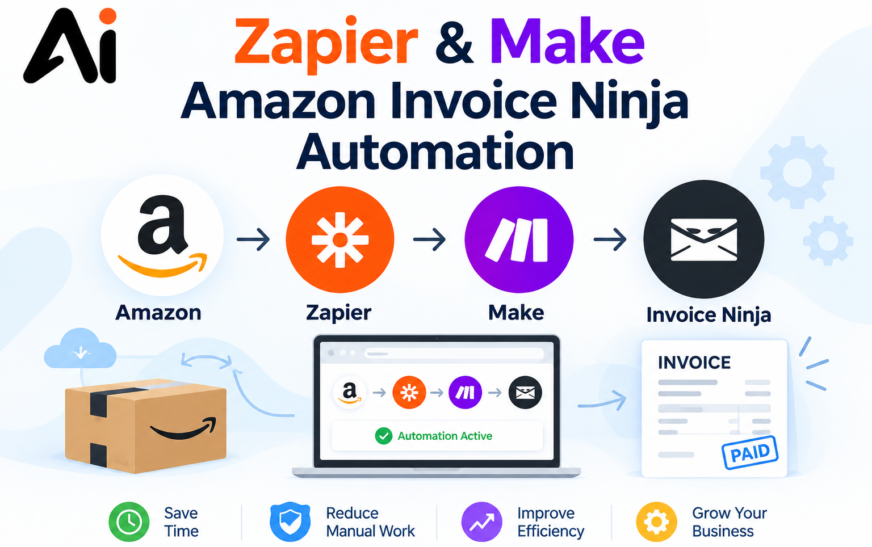
Still copying Amazon orders into invoices by hand? A Zapier or Make Amazon Invoice Ninja automation can create the client and invoice for every order while you sleep. You can automate Amazon orders into Invoice Ninja with either Zapier or Make. Amazon Seller Central is the trigger (a new order), and Invoice Ninja is the action (find or create the client, then create the invoice). Zapier is simpler but needs a paid plan for Amazon. Make is more flexible for branching logic. For regions or cases the native apps don’t cover, both can call the Amazon and Invoice Ninja APIs directly. Spelling out limits like these, such as region and plan requirements, also helps your page show up in AI search results, because AI tools prefer specific, accurate answers.
Key Takeaways
- Zapier’s Amazon Seller Central app is a premium app. It requires a paid zapier plan, a Professional selling plan, and a North American seller account (US, Canada, or Mexico).
- Zapier offers two Amazon triggers: New Order and Order Status Changed. It also has a raw API Request action.
- Make has Invoice Ninja modules covering clients, products, invoices, recurring invoices, payments, quotes, tasks, and expenses.
- Make’s old Amazon order modules are being retired. The deprecated Orders v0 modules stop working on March 27, 2027, and the replacements are Watch orders, Search orders, and Get an order. Build new scenarios on the new modules only.
- Prevent duplicates by saving the Amazon order ID on every invoice and searching for it before creating a new one.
- Test with one real order before switching anything on.
What Is a Zapier or Make Amazon Invoice Ninja Automation?
It is a workflow that runs without you. When Amazon records a new order, the automation reads the order data and creates the matching client and invoice in Invoice Ninja. Zapier and Make act as the middle layer because Amazon and Invoice Ninja have no built-in connection to each other.
The result is a no-code invoicing workflow. You skip retyping order IDs, items, taxes and totals, which removes a common source of bookkeeping errors. It is also a practical way to automate business processes that eat up hours every week.
Zapier vs Make for Invoicing
| Zapier | Make | |
|---|---|---|
| Setup | Fastest, linear steps | Visual canvas, steeper learning curve |
| Amazon trigger | New Order, Order Status Changed (premium, North America only) | Watch orders, Search orders, Get an order |
| Branching | Paths | Routers and iterators |
| Invoice Ninja | Native app with triggers, actions and searches | Native modules plus a generic API call module |
| Best for | Simple order-to-invoice flows | Multi-store, multi-currency, FBA vs FBM logic |
On pricing, both platforms bill by usage and change their plans often, so compare current pricing pages instead of trusting a number in an article. As a rule of thumb, Zapier is quicker to launch, and Make tends to suit high-volume or complex scenarios.
Is the Invoice Ninja Zapier Integration Good Enough?
Yes for most cases. A third-party count of the integration lists 12 triggers, 11 actions and 6 searches. Triggers include new client, new invoice, new payment and sent invoice. That is enough to create clients and invoices from an order, or to react when an invoice is sent or paid. Check Zapier’s own app page for the current list.
How to Connect Amazon to Invoice Ninja with Zapier
- Connect Amazon Seller Central. Sign in through OAuth. You need a paid Zapier plan and an eligible North American seller account.
- Set the trigger: New Order. Use Order Status Changed if you only want to invoice shipped orders.
- Add a filter so cancelled or pending orders don’t continue.
- Search Invoice Ninja for an existing invoice with this Amazon order ID. Stop the Zap if one exists.
- Find or create the client. Amazon limits buyer data, so a marketplace client such as “Amazon Customers” is often the practical choice.
- Create the invoice with the line items, dates, and taxes. Put the Amazon order ID in the PO number or reference field.
- Optional: use Zapier Paths to handle FBA and FBM orders differently, then send the invoice or log it to a spreadsheet.
If you’re outside North America, or Amazon data you need isn’t exposed, use Zapier’s API Request action or a webhook with the Amazon SP-API.
How to Connect Amazon to Invoice Ninja with Make
This is the Invoice Ninja Integromat automation route, since Make was formerly Integromat.
- Create the Invoice Ninja connection. Generate an API token in Invoice Ninja under Settings, Account Management, Integrations, API Tokens, then paste it into Make.
- Add the trigger: the Amazon Seller Central Watch Orders module, set to new orders. Avoid the deprecated modules.
- Add Get an order if you need full line items, since order items now come back in that module’s output.
- Add a router to branch by marketplace, currency, tax rule, or fulfillment type.
- Search for duplicates using the order ID, or log processed IDs in a Make data store.
- Create the client and invoice with the Invoice Ninja modules. For anything the native modules don’t expose, use the Make an API Call module.
- Add an error handler that sends failures to Slack, email, or a Google Sheet.
Amazon Order to Invoice Ninja: Field Mapping
| Amazon data | Invoice Ninja field |
|---|---|
| Order ID | PO number, reference or custom field |
| Buyer name and address | Client (or a default marketplace client) |
| SKU and item title | Invoice line item |
| Quantity, price, tax | Line item amounts and tax rate |
| Purchase date | Invoice date |
| Marketplace | Custom field or client group |
Invoice Ninja API Automation: When Native Apps Aren’t Enough
Invoice Ninja API automation helps when you need control the native actions lack. Through the API, a webhook or HTTP step can automatically create invoices and clients, handle recurring invoice automation for repeat buyers, and automate expense tracking for supplier costs. Make’s Invoice Ninja app also uses instant webhooks to start scenarios when events happen. Keep API tokens in the platform’s connection settings, never in shared documents.
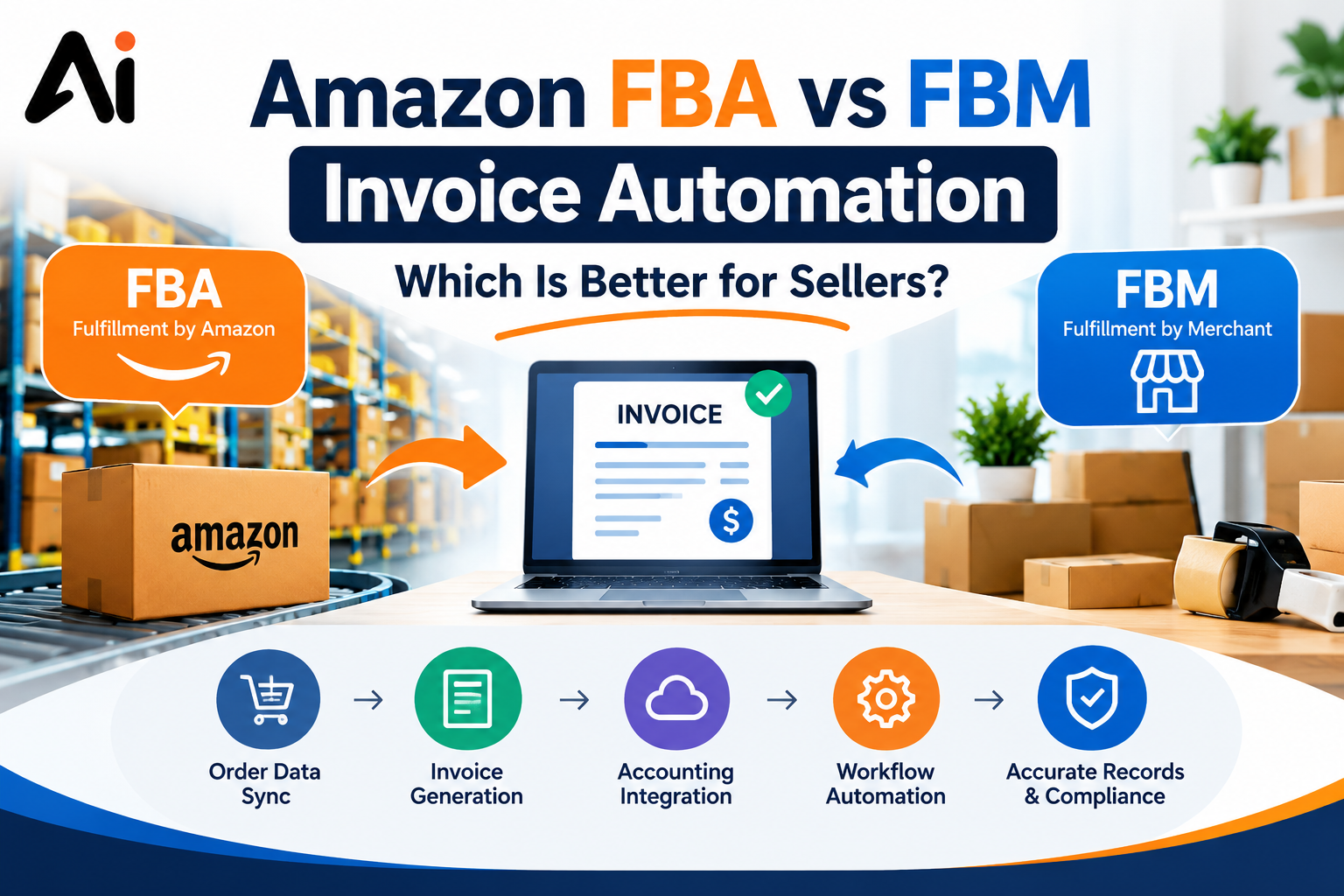
Amazon FBA and FBM Invoice Automation
- FBM: you ship, so you can invoice at order confirmation or shipment. Order Status Changed (Zapier) or updated-orders triggers (Make) fit well.
- FBA: Amazon ships, so many sellers invoice from settlement or order reports instead. Marketplace facilitator tax rules affect how you record taxes, so confirm them with your accountant.
For Amazon VAT invoice automation, map tax per marketplace and set the currency explicitly in the invoice step.
Automating Amazon Expenses in Invoice Ninja
Amazon purchases (stock, supplies, tools) can become expenses. Forward purchase confirmation emails to Zapier’s Email Parser or a Make email watcher, extract vendor, date, amount, and category, and create the expense in Invoice Ninja. Tools like these work best when they sit inside an AI orchestration layer, where each step hands clean data to the next. That keeps Amazon order tracking in Invoice Ninja complete on both income and cost sides.
How to Avoid Duplicate Invoices
- Save the Amazon order ID on every invoice.
- Search for that ID before creating anything.
- Stop the workflow if a match exists.
- In Make, keep a data store of processed order IDs.
- Handle status changes separately so an updated order doesn’t create a second invoice.
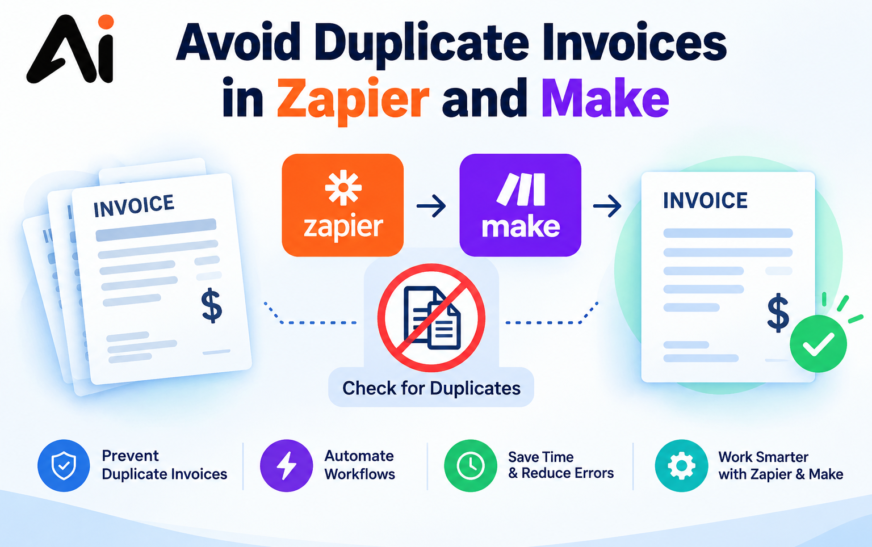
- When connecting Amazon, Zapier, Make.com, and Invoice Ninja, duplicate invoices can occur if the same order is processed more than once. To reduce this risk, check whether an invoice already exists before creating a new one.
- Use a unique Amazon order ID or transaction reference to identify each order. In Zapier, add a search step followed by a filter to stop duplicate invoice creation. In Make.com, use a search module, filters, and a data store where appropriate to track processed orders.
- For stronger protection, handle repeated webhook events and failed API requests carefully. A search-and-filter workflow alone may not prevent duplicates when two executions run simultaneously, so use destination-side uniqueness or idempotency support when available. For step-by-step instructions, read our guide on how to avoid duplicate invoices in Zapier and Make.
Common Problems and Fixes
- Missing buyer details: Amazon restricts personal data, so use a default marketplace client.
- Zapier can’t see your account: the Amazon app only supports North American sellers on a Professional plan.
- Scenario stops working in 2027: Make’s deprecated order modules end March 27, 2027, so migrate now.
- Tax or currency mismatches: set both explicitly per marketplace.
- Refunds and cancellations: build separate paths for credit notes.
- Rate limits: Amazon’s API has usage limits, so batch requests or add delays.
Best Practices for Amazon Seller Invoicing Automation
- Test with one real order first
- Keep invoice numbering consistent
- Send failure alerts to email or Slack
- Reconcile monthly against Amazon reports
- Document the workflow so a teammate can maintain it
Conclusion
A Zapier Make Amazon Invoice Ninja automation removes repetitive invoicing and keeps your books accurate. Choose Zapier if you’re a North American seller who wants the quickest setup, and choose Make if you need branching, multiple marketplaces, or API-level control. Save the order ID on every invoice, avoid Make’s deprecated Amazon modules, and test with a single order before going live. Stop typing invoices by hand. Build your Zapier or Make Amazon Invoice Ninja automation today
Frequently Asked Questions
Can Zapier connect Amazon to Invoice Ninja?
Yes. Use the Amazon Seller Central New Order trigger and the Invoice Ninja app. It requires a paid Zapier plan and a North American Professional seller account.
Can Make connect Amazon to Invoice Ninja?
Yes. Use the Watch Orders module as the trigger and the Invoice Ninja module or an API call to create the invoice.
Is Make better than Zapier for Invoice Ninja?
Make suits complex or high-volume workflows. Zapier is easier for simple flows.
How do I create invoices from Amazon order emails?
Send confirmation emails to an email parser, extract the fields, and create the invoice in Invoice Ninja.
How do I avoid duplicate invoices?
Search Invoice Ninja for the Amazon order ID before creating a new invoice.
Do I need coding skills?
No for standard setups. The API helps for advanced cases.
Can I automate Amazon expenses in Invoice Ninja?
Yes. Parse purchase confirmations and create expenses.
Does Zapier’s Amazon app work outside North America?
According to Zapier’s help article, it’s limited to US, Canada, and Mexico sellers. Use Make or the API for other regions.